User Plugins
Feel free to download free plugins contributed by our users. These plugins are compatible with all versions of VB Decompiler, dating back to the past decade.
FRX Image Viewer
A native Delphi plugin for professional extraction and visualization of embedded graphics from Visual Basic 5/6 FRX resources.
This tool eliminates the need for manual hex editing when working with VB application assets. It automatically identifies and displays all embedded images, icons, and cursors in a convenient gallery interface with instant preview capabilities.
Supported formats: BMP, PNG, JPEG, GIF, ICO, CUR (including multi-resolution icon files)
Features:
- Side-by-side thumbnail gallery and full-size preview
- Intelligent compound icon/cursor parsing-extracts highest quality variants
- Technical metadata display: resolution, file size, byte offset, format type
- Quick export with automatic file extension assignment
- Automatic dark mode synchronization with VB Decompiler theme
- High-quality image scaling for small icons
To launch the plugin, navigate to Plugins → FRX Image Viewer after opening a VB executable. Click any thumbnail to inspect or save individual resources.
No .NET Framework required—pure native DLL implementation for maximum performance and stability.
Download: FRXViewer.dll | Source: GitHub (MIT License)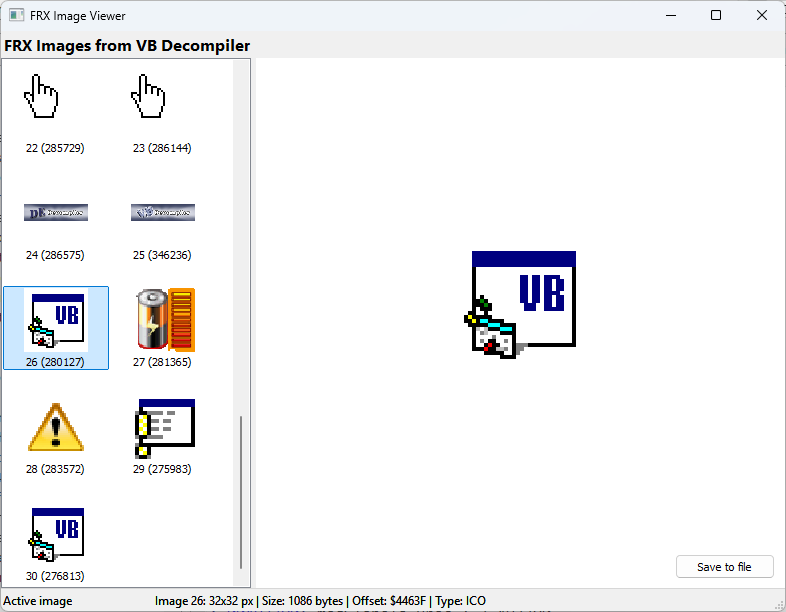
Version Checker
The Version Checker plugin is designed to help you stay up to date by checking for new versions of the software.
To check for updates, go to the Plugins menu and select Version Checker.
If you’re connected to the internet and a newer version is available, you’ll see a message like: “Current version: x.x – New version: y.y.”
If you already have the latest version of VB Decompiler, you’ll see: “You’re up to date! No updates needed.”
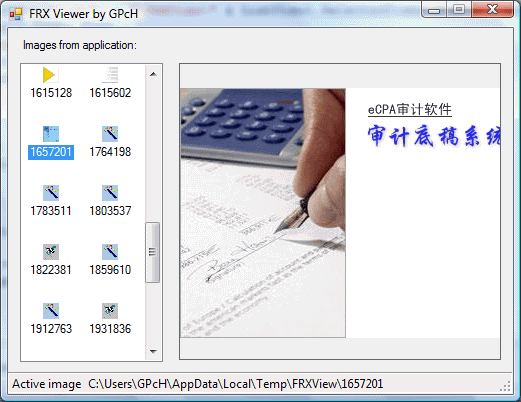
FRX Viewer (previous version, developed on .NET)
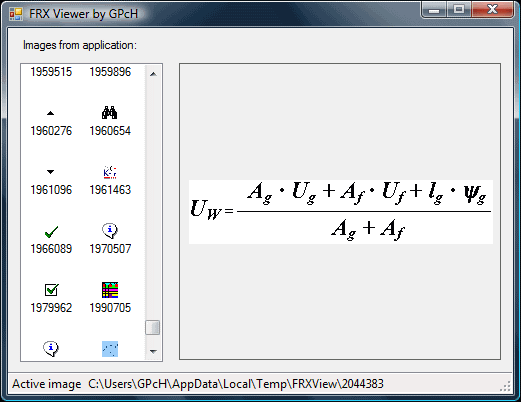
This plugin offers a convenient way to explore VB5/6 files and extract all images stored in FRX data.
To run this plugin, you'll need to have the .NET Framework 2.0 installed.
This plugin is a good way to see inside VB5/6 files and get all images from FRX data.
ShowRef
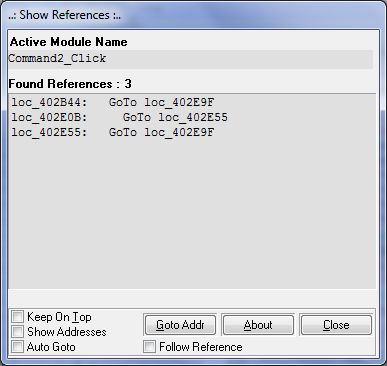
ShowRef is a DLL-based plugin designed for VB Decompiler to streamline reference analysis. It scans the decompiled listing in the active VB Decompiler window and displays the results in its own plugin window.
The identified references can be viewed visually, allowing you to quickly navigate through the decompiled listing to a specific address or offset.
The plugin window shows the total number of references found. These references are listed in a listbox—double-clicking an item opens a graphical representation of that reference. Each subsequent double-click opens a new graphical window positioned next to the previous one. If you click on an item that’s already open, its window will be brought to the foreground.
Clicking the Close button closes all active graphical windows and ends the plugin session.
You can switch to a different decompiled module without needing to reload the plugin.