
In Japanese In German In French In Spanish In Russian In Chinese
VB Decompiler
VB Decompiler is an advanced tool that can disassemble and decompile programs (EXE, DLL, or OCX) written in Visual Basic 5.0/6.0 and programs based on .NET technology (Visual C#, Visual Basic .NET, etc.). As you know, programs written in Visual Basic and C# can be compiled to interpreted pseudocode (p-code), to assembler native code, and to an MSIL .NET assembly (x86 and x64). VB Decompiler supports decompilation for all these formats.
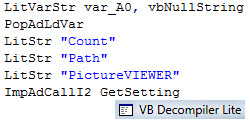
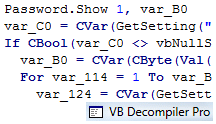
Since p-code consists of high-level commands, most code can be decompiled to source (without the names of variables and some functions). VB Decompiler supports up to 1400 p-code commands and restores source code as precisely as possible. Then you can manually finish that source code and try to compile it again.
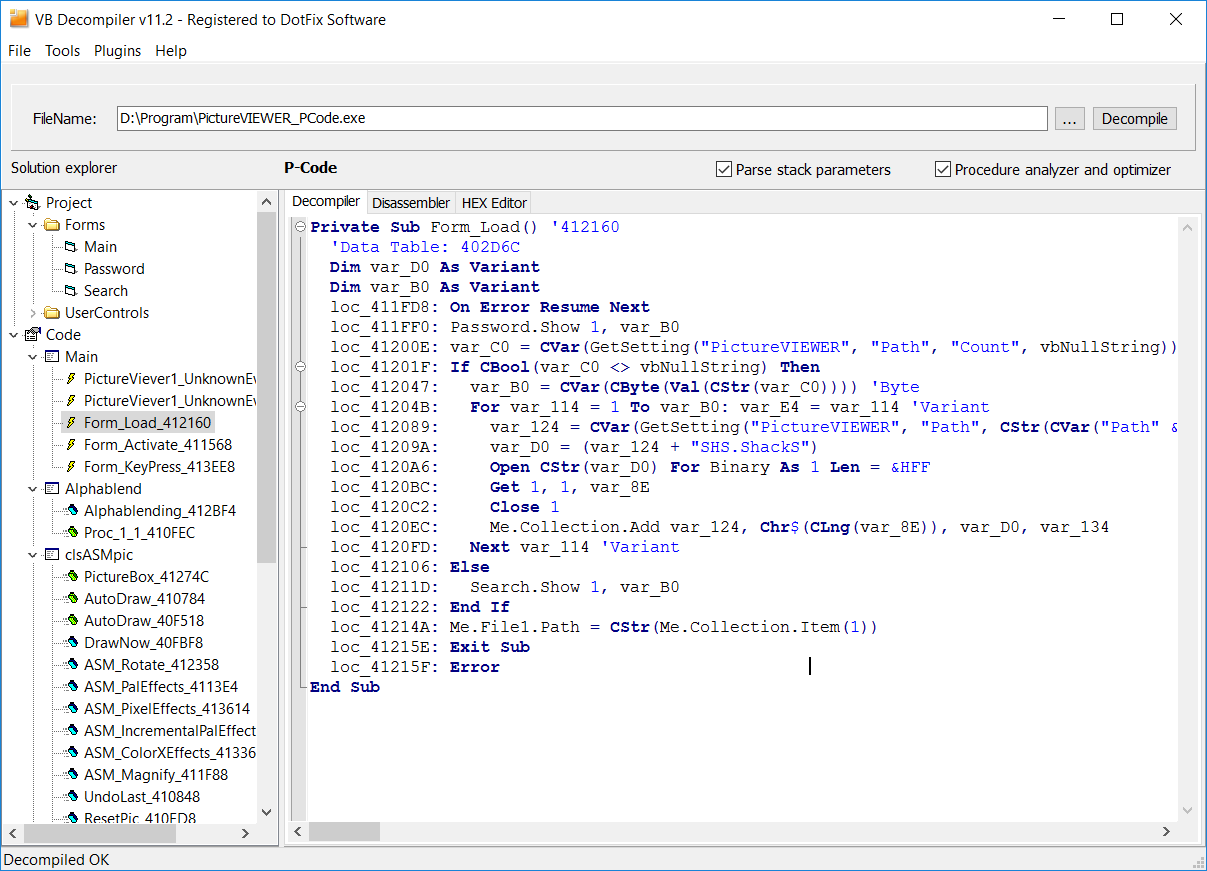
In the case of a program compiled to native code, VB Decompiler will recover as much of the source code as possible; it achieves a higher success rate than any competitive product. Even in this situation, VB Decompiler can help you analyze the program. It contains a powerful disassembler/emulator that will try to decode as many assembler instructions as possible to the most likely VB commands. Of course, VB Decompiler may fail on some assembler code optimizations and may be unable to recover some code. However, currently it provides the best approach to analyzing native-code applications.
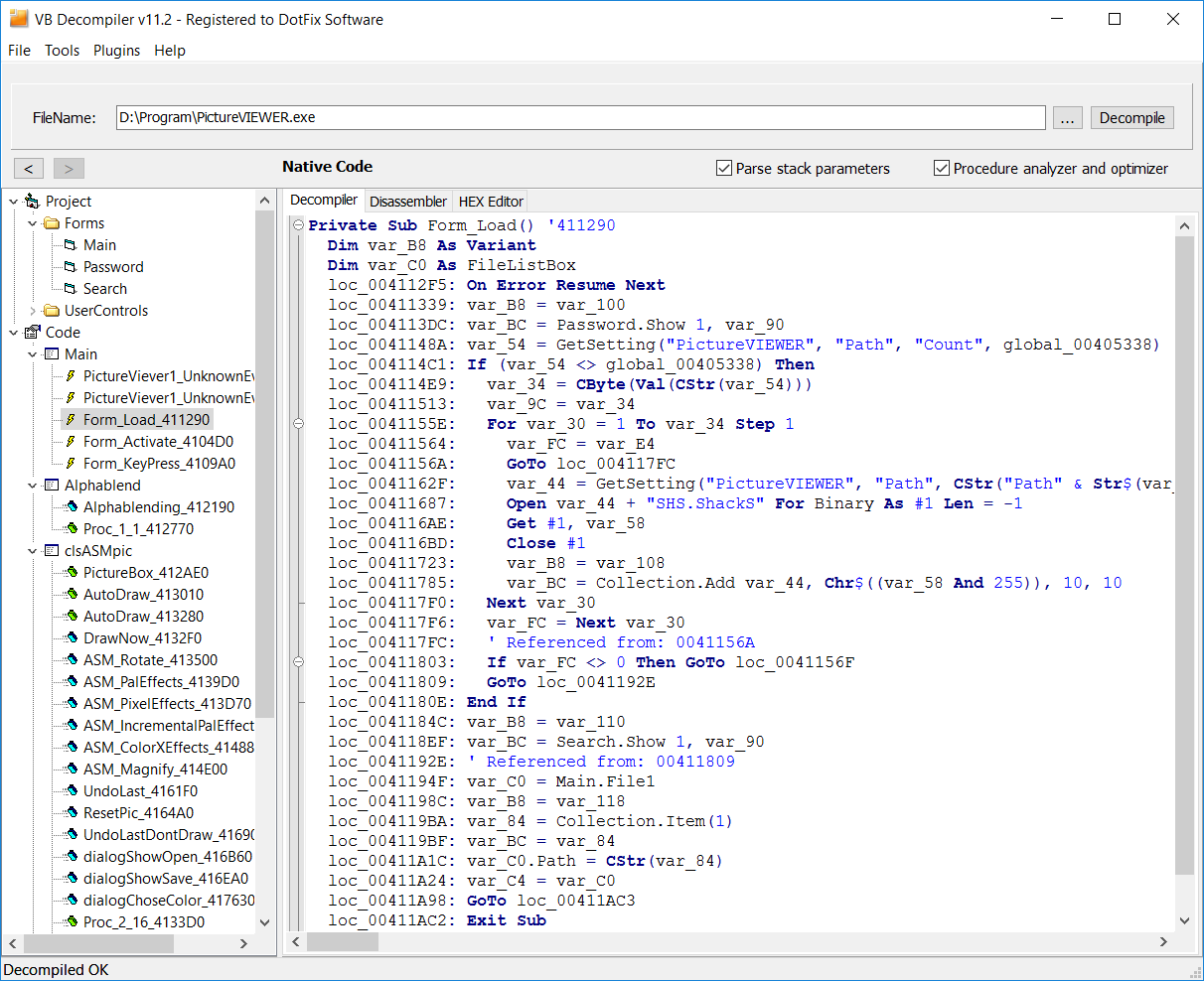
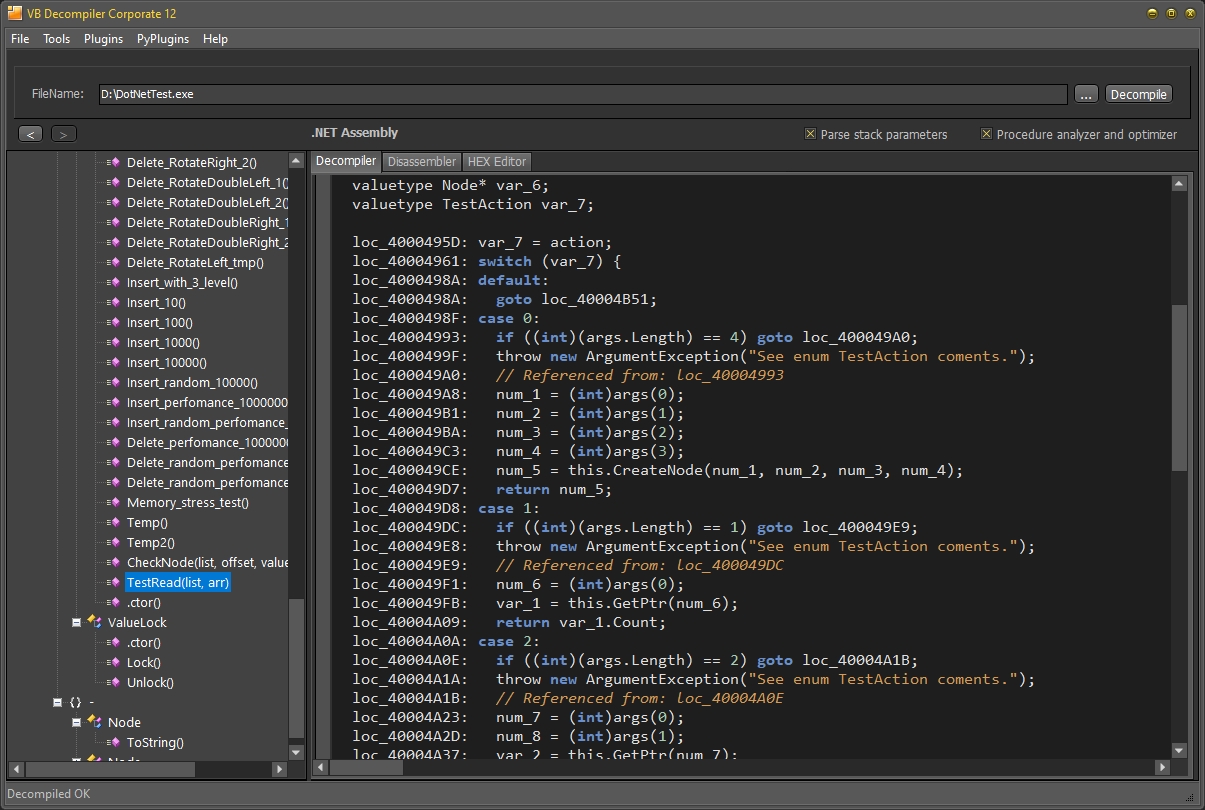
In the case of a program compiled to a .NET assembly, VB Decompiler will recover all tables and modules from a managed assembly, disassemble, and decompile all methods, functions, and events using the IL disassembler. Most code can be decompiled with a good success rate and just with some restrictions. VB Decompiler does not require the .NET Framework to be installed for decompilation. Decompilation is supported on all Windows operating systems and on most virtual systems (Parallels, Wine, etc.).
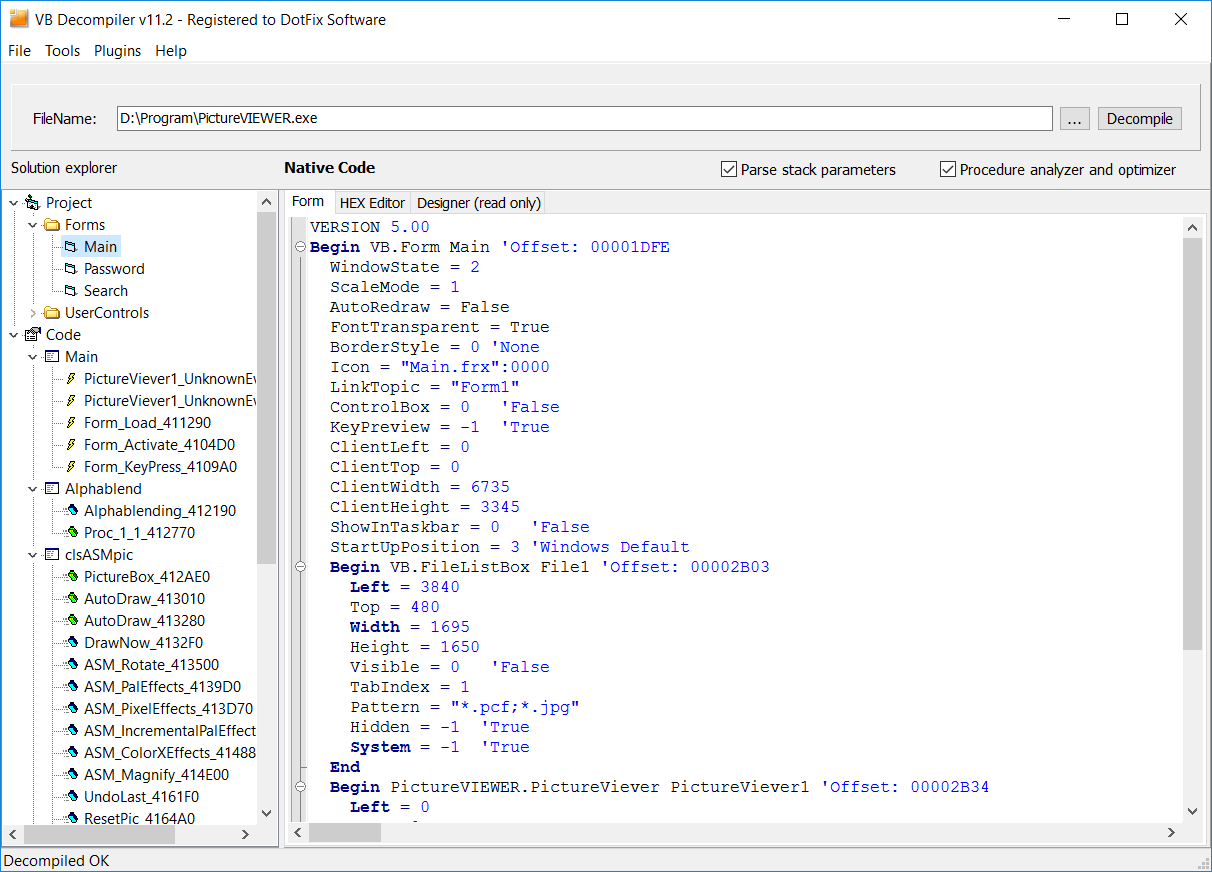
VB Decompiler can decompile all GUI Forms and User Controls from the file. It can also show the offset of each control.
As you can see, VB Decompiler is a great program-analyzing tool. It can be a lifesaver if you have accidentally lost your source code and need to partially restore your project.
| Features of the VB Decompiler | Lite | Educational Home | Single Developer / Enterprise | Single Developer / Enterprise with Tracing Features | Single Developer / Enterprise with Analytic Features |
| Decompiling of the forms (frm and frx) and user controls (ctl, ctx) |  | | | | |
| Code decompilation for the P-Code compiled applications. Recovery pseudocode to the standard Visual Basic instructions with the highest success rate. Processing COM OLE objects, API calls, etc. | | | | |
|
| Native Code procedures disassembling (with a powerful Pentium Pro disassembler, with support of the MMX and FPU instruction sets) | | | | | |
| Partially Native Code decompilation (using code emulation engine) | | | | |
|
| Disassembling and decompiling .NET code (Visual Basic, Visual C#, and other .NET-compatible languages) into MS IL and C# code | | | | |
|
| Universal x86 unpacker for packed applications (supported UPX, NSPack, and other popular compressing tools) | | | | | |
| Two decompilation schemes (with and without stack parsing) | | | | |
|
| Recovery and edit the String References with Unicode support | | | | |
|
| Syntax coloring in decompiled code | | | | | |
| Recovery API calls. Recovery prototypes of most standard Win32 APIs | | | | | |
| Fast decompilation scheme | | | | |
|
| Anti-decompilation features to protect your software (obfuscator) | | | | |
|
| Powerful HEX Editor with Copy/Paste and Undo/Redo features | | | | |
|
| Save a decompiled data to a single file | | | | | |
| Save the procedures list to the MAP file, IDA script, or the HIEW Names file | | | | |
|
| Using VB Decompiler to decompile copyrighted code (including your own), commercial code (including old legacy code), malware analysis, and/or to decompile code for any commercial project | | | | |
|
| Activation and using VB Decompiler in a company (only for Enterprise licenses) | | | |
||
Tracing code from procedures and functions of Native Code compiled Visual Basic 5.0/6.0 applications. Code will not start and will be emulated by VB Decompiler. | | |
|||
Get an Analytic Report on the areas (procedures and functions) of the program that perform various manipulations with files, the registry, windows, and processes, as well as using service functions of Visual Basic to call functions by name (CallByName) and direct access to memory addresses (VarPtr). | |
||||
| Price |
Minimum System Requirements (for v9.0 or older): 1.3 GHz x86 processor, 1 GB RAM, Windows XP/2003/Vista/2008/7/8/8.1/10/11
Minimum System Requirements (for the latest version): 1.3 GHz x86 processor, 1 GB RAM, Windows 7/8/8.1/10/11 with actual updates
Screenshots of VB Decompiler Pro:
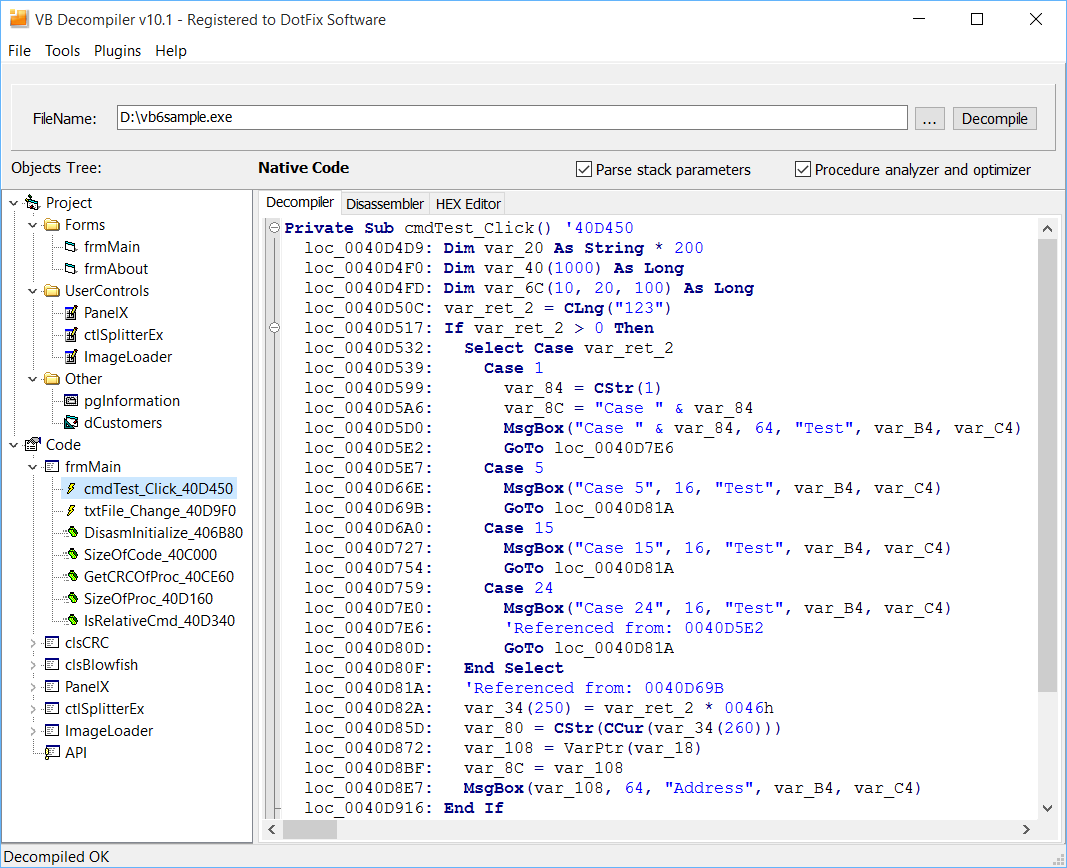 Decompiling Code |
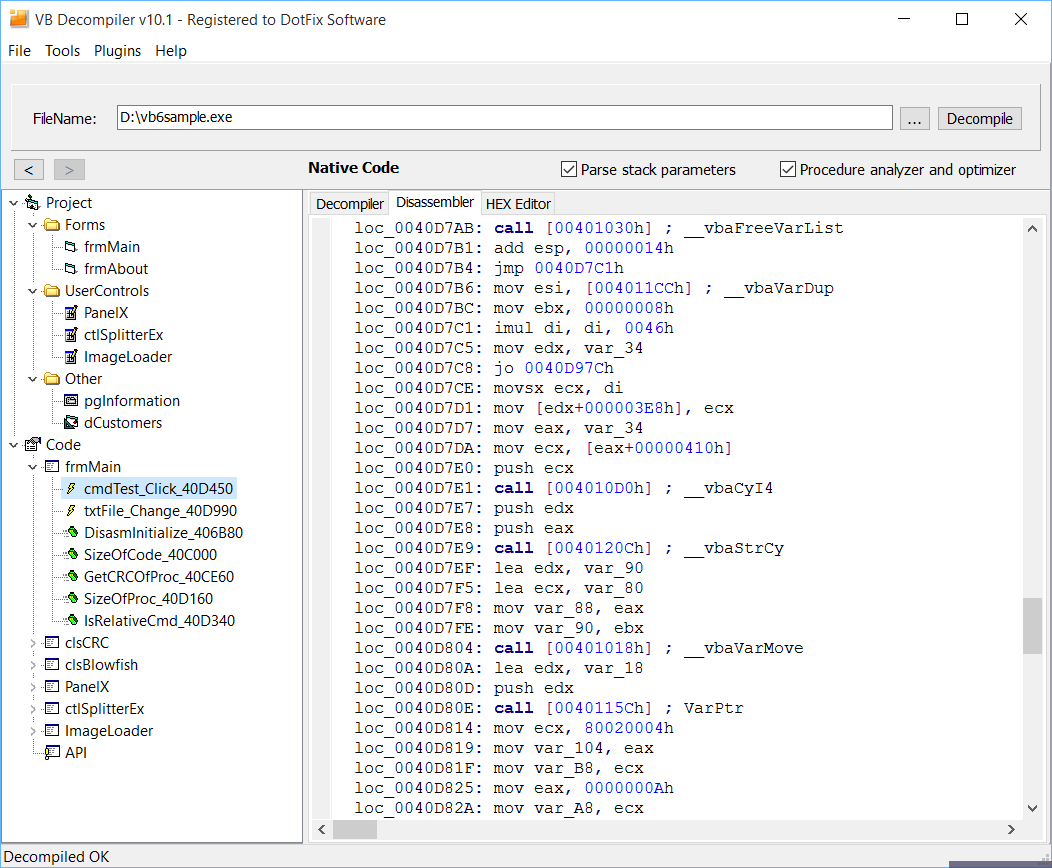 Disassembling Code |
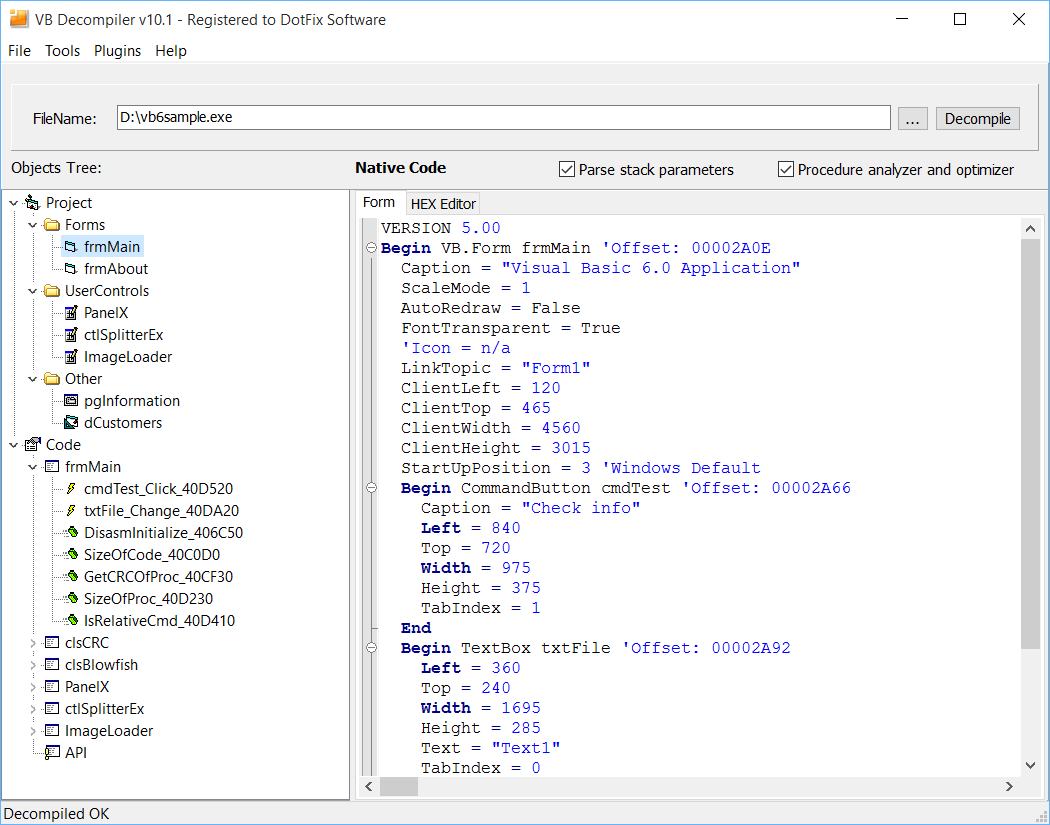 Decompiling Forms |
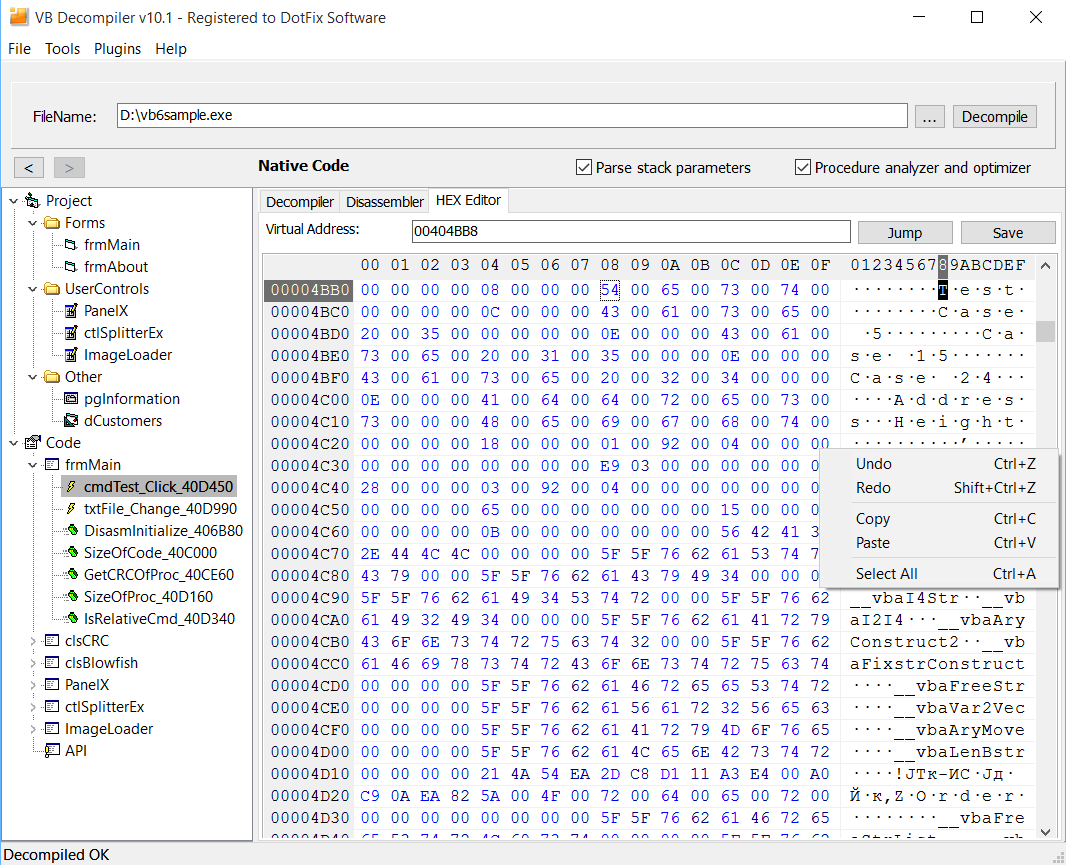 HEX Editor |
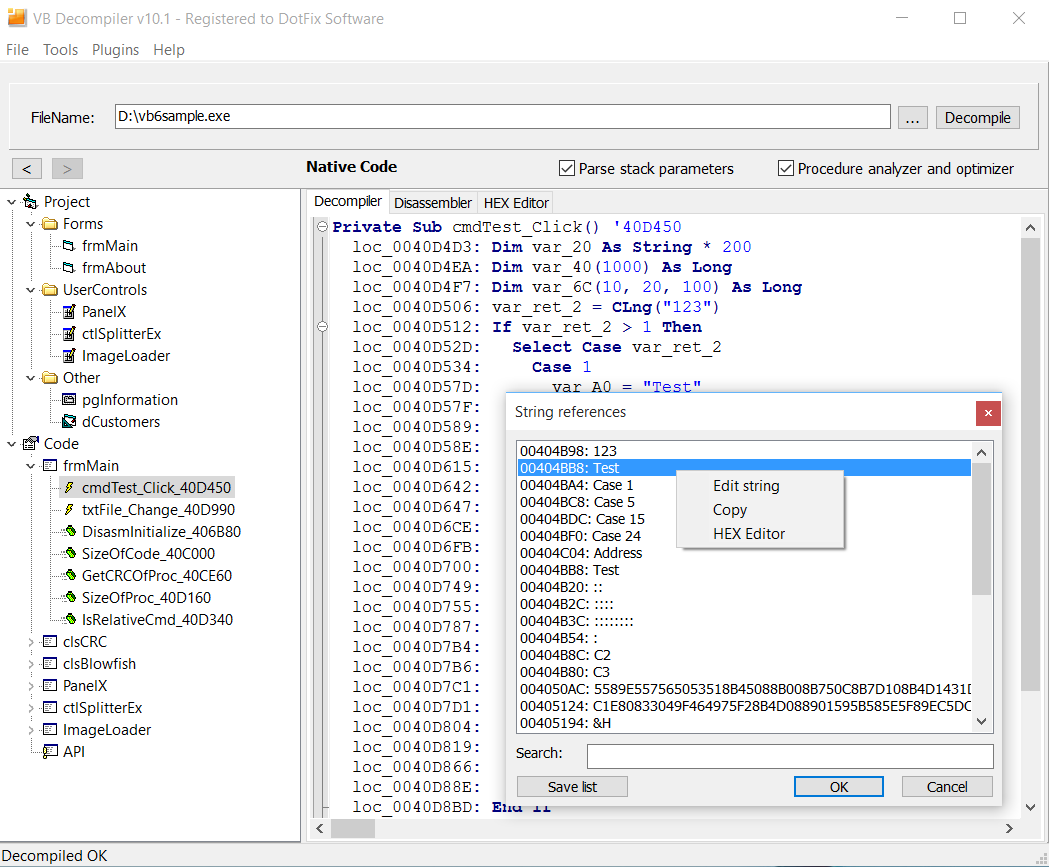 String References |
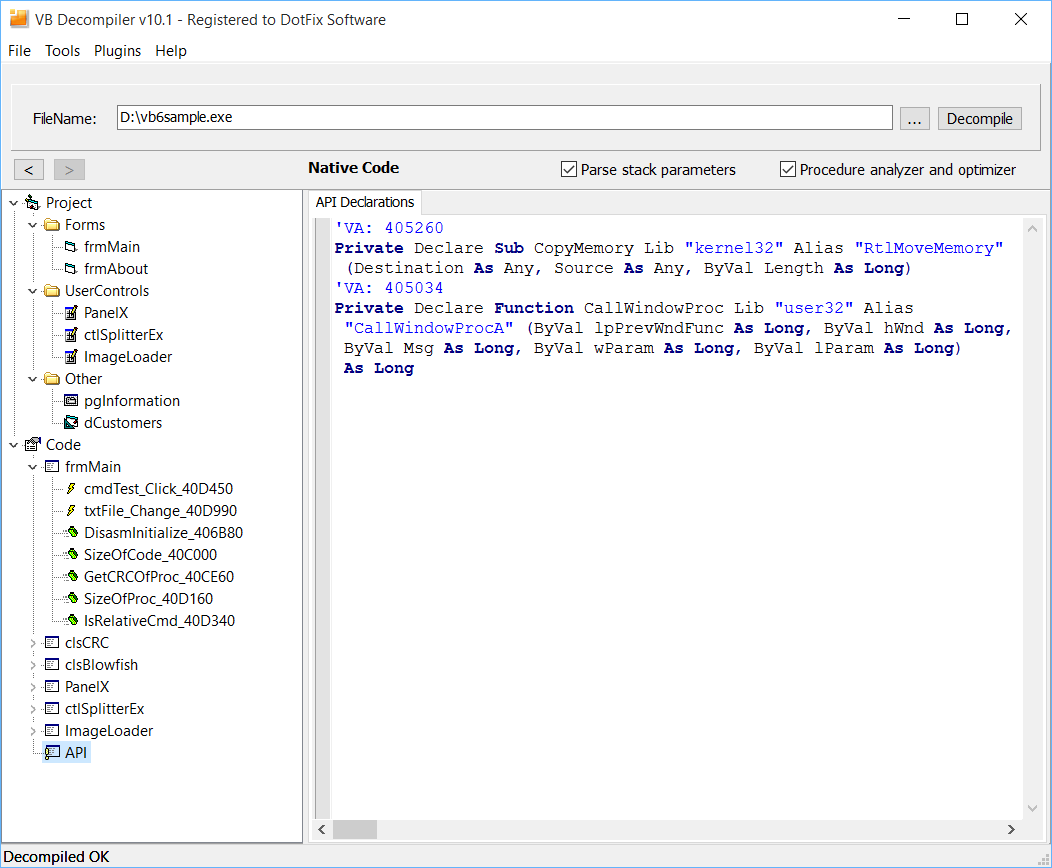 Decompiling API |
* Microsoft, Windows, and Visual Basic are registered trademarks of Microsoft Corporation.